Slide
Move the syllables until they form the word. Long words at their level, to build real syllable awareness.
Special education and speech-language · Training for teens
Games designed for teens ages 10 to 18 that adjust to each student, and read-aloud passages that score themselves. You see every answer and how they're progressing.
Ages 10 to 18 · 5, 10 or 15 minutes a day
Challenges, missions and error review in a teenager's language, not a children's workbook's. The same effort as always, with more reason to come back tomorrow.
Benefits
Move the syllables until they form the word. Long words at their level, to build real syllable awareness.
Look at the word for a few seconds. It disappears, and you pick the right one from similar-looking words.
Listen and place the pieces in the correct order.
Listen to the word and write it.
Choose a goal and see how it adjusts.
Try the trainingReading challenge
The student reads aloud and the reading is recorded. As they read, their hesitations and errors are marked, and when they finish you have their words per minute. No stopwatch and no notes to take.
The lighthouse was lit every night to help guide the boats that were returning to port before the storm.
How it works
Nubo suggests. You adjust if you like. The student plays.
Step 1
Nubo suggests the level and the goal based on their profile. If you prefer another, you change it: from “simpler” to “maximum complexity.”
Step 2
Maps with missions, and each mission with its activities. When it ends, they review the errors they made.
Step 3
At the end, a session summary: how long they played, how many they got right, how many times they replayed the audio and which errors they reviewed.
Errors from the last mission
At 90% or higher, the area moves to maintenance and training focuses on what is hardest for them.
What you see
Not just right and wrong: you know what type of error they make and in which area, so you can decide what to reinforce in your session. And sessions appear in their Nubo record, next to their adaptations and support plan.
How it connects
Training starts from the Living Profile, and what improves flows back into it to guide classroom adaptations.
Real cases
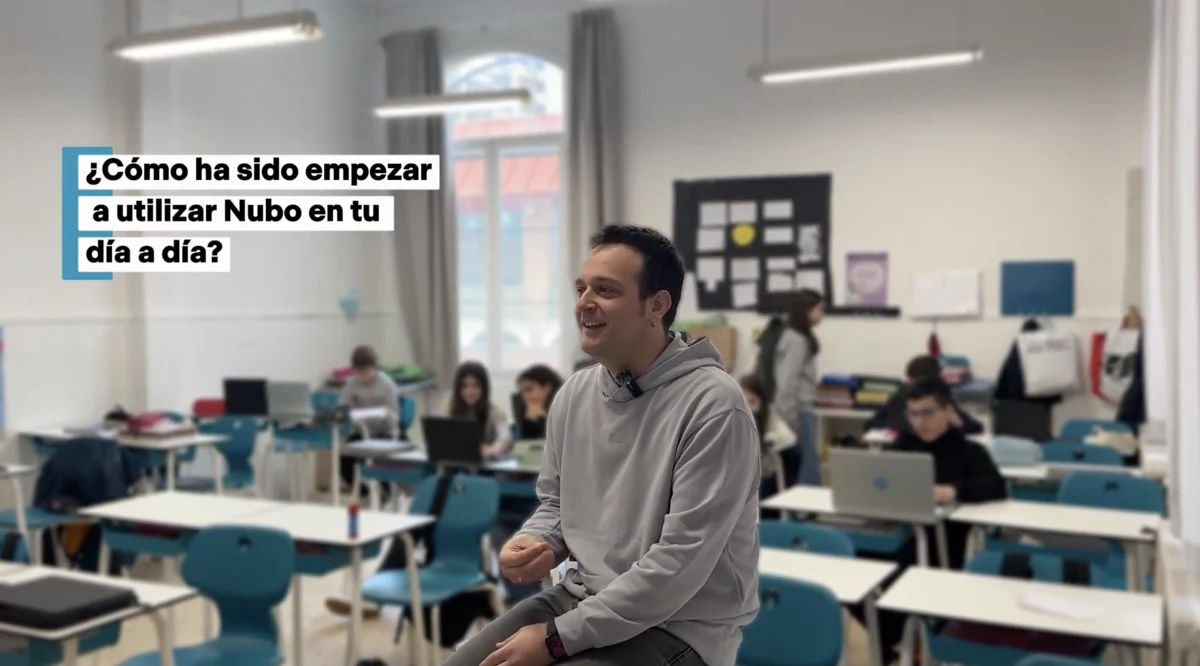 Watch the interview ↗
“You realize that the material you thought was good could be much better, and that it can be adapted much more closely to specific profiles.”
Joan · Assistant principal, counselor and language teacher · Maristes Montserrat, Lleida (Spain)
Read the full case →“My student no longer worries about whether he can do the task. He knows he can do what is put in front of him each day.”
Homeroom teacher · CEIP Justicia de Aragón (public elementary school), Alcorisa, Spain
Read their story →“What stayed with me most was the enthusiasm of the teachers when they came out of the training and said it was very practical and very concise.”
Ana · Director of the Alcorisa Teacher Training Center (Spain)
Read their story →The Nubo method
Seven principles guide every adaptation. These are the three you'll notice first in your classroom.
A label can point the way, but on its own it doesn't tell you what support a person needs.
The decision depends on the student's profile as much as on what today's activity demands.
Tell apart what students must learn from the difficulties created by the format of the task.
Frequently asked questions
For teens ages 10 to 18, from 5th grade through 12th grade. The games are designed for their age: challenges and missions, not kids' activities.
Not only. It trains specific skills, such as phonological awareness, spelling, memory, attention or reading speed, according to what each student needs, whether or not they have a diagnosis.
You choose 5, 10 or 15 minutes a day. We recommend 10.
Yes. Nubo suggests the level and the goal based on the student's profile, and you can change them: from simpler activities to maximum complexity.
The student reads a passage aloud, the reading is recorded and Nubo calculates their words per minute. That way you see their reading speed week by week.
In the professional dashboard, with each answer, the time and the type of error. And sessions appear in the student's Nubo record, visible to their team.
Choose a goal, let them play for ten minutes and see what each answer tells you.
Try the training